Account
Delete your AiiA account
Follow the steps inside the app. If you can't access it, email us from the address on your account.
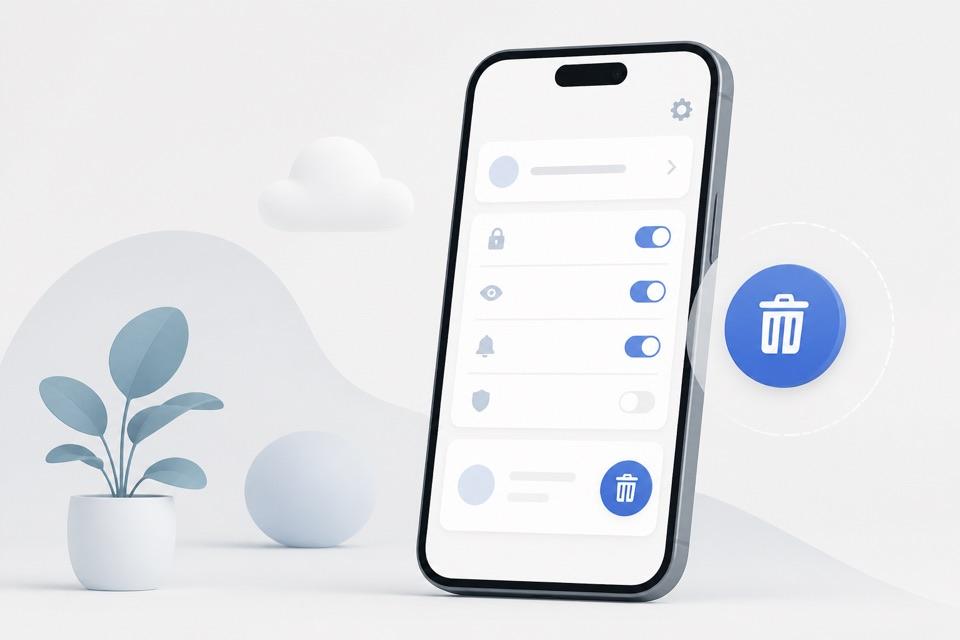
Delete from the app
Open the AiiA app on your phone.
Tap the Profile icon in the bottom navigation.
Scroll down to the Account section.
Tap Delete Account at the bottom of the screen.
Confirm your action with an SMS or email verification code.
Once confirmed, your account will be deactivated immediately, and all personal data will be permanently deleted after 30 days.
Can't access the app?
If you no longer have access to the app:
Send an email to info@oneaiia.com with the subject line: “Delete my account”.
Include the email or phone number linked to your account (and the last 4 digits of your phone number for verification).
Our support team will confirm your identity and delete your account on the same 30-day schedule.