From signup to payout
Wear a branded shirt on the days the campaign requires. Upload proof in the app. Get paid when the brief ends.
Start to finish
Same five steps every time. Each campaign fills in the details.
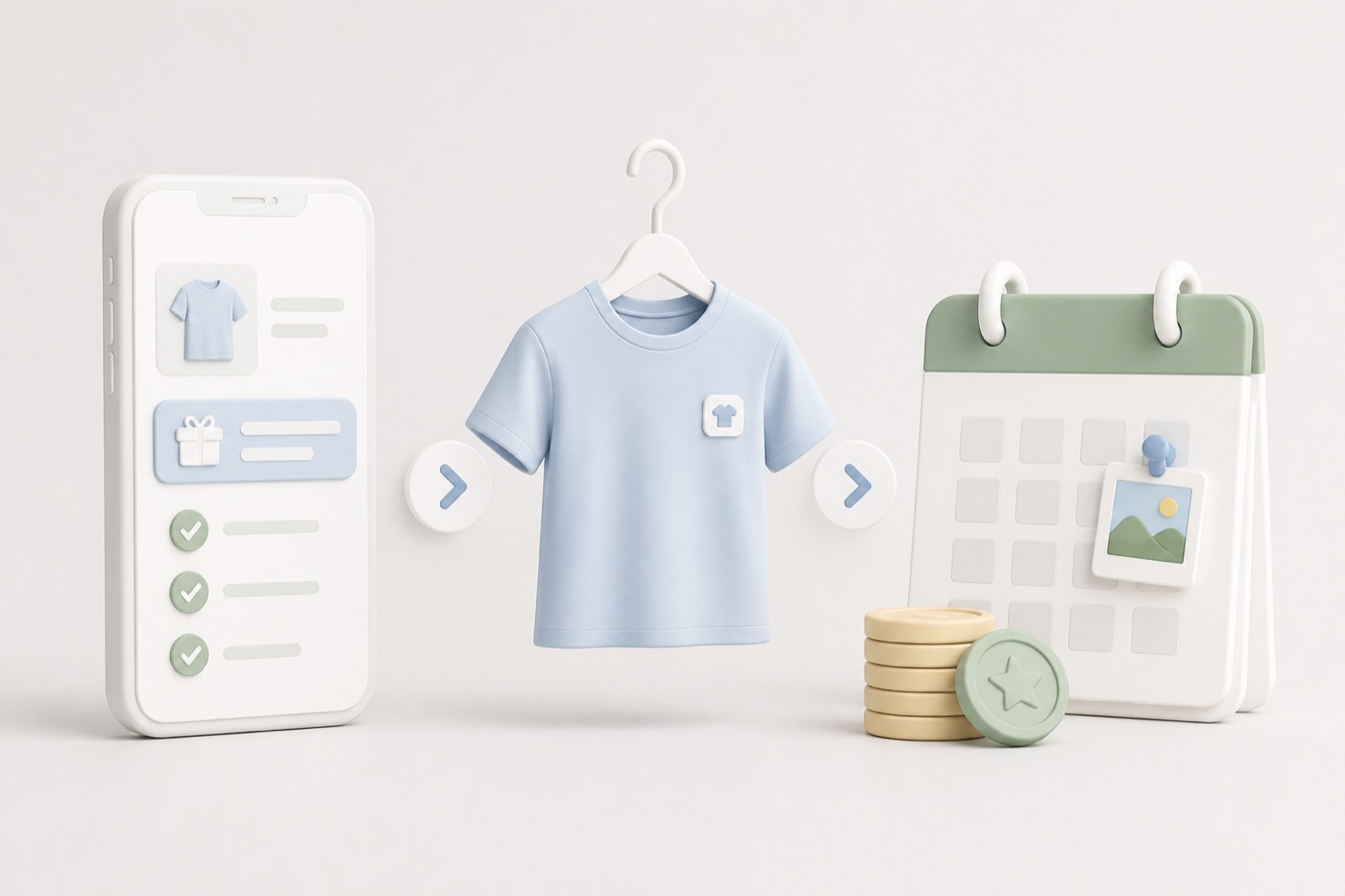
- 1
Download the app
Get AiiA, verify your phone number, and set your home area. That’s how we know which campaigns to show you.
- 2
Pick a campaign
Pay, dates, and cities are on the listing before you join. Read the brief — if it works for you, accept it.
- 3
Get the shirt
We send the tee or hoodie. The brief tells you which days count: campus, commute, errands, whatever they need.
- 4
Post your photos
The app pings you when a photo is due. Snap yourself wearing it, logo visible, like the brief asks.
- 5
Get paid
Campaign ends, your last photo gets approved, money goes out. You can start another open one whenever.
What you do on a campaign
Every brief spells out dates and angles — this is the general bar.
Wear days
- Wear the campaign shirt or hoodie on the dates in the brief
- Campus, commute, or errands — wherever the brand needs reach
- Keep the item visible; don’t cover the logo
- Skip a required day only with campaign approval
Photo proof
- Shirt or hoodie clearly visible on you
- No heavy filters — the brand needs to see the logo
- Upload inside the app window — late may pause pay
- Retakes allowed if rejected with a reason
Payout & issues
Monthly rate is fixed in the campaign before you accept. Missing or rejected proof can pause payout until you resubmit — check the in-app status for each due date.
Skipping wear days without approval can end a campaign. When in doubt, message support before you change anything visible.
Ready to start?
See what is open near you, then download the app to accept a brief.